

Spa
Temperature • Bubbles • Jets

Relax & Unwind
The spa is controlled from the PARRA iPad.
1
Open the iAquaLink app.
2
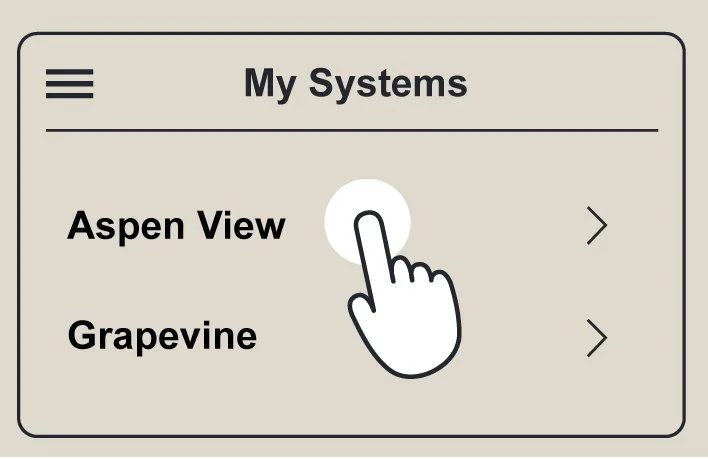
Select Aspen View
from My Systems.
3
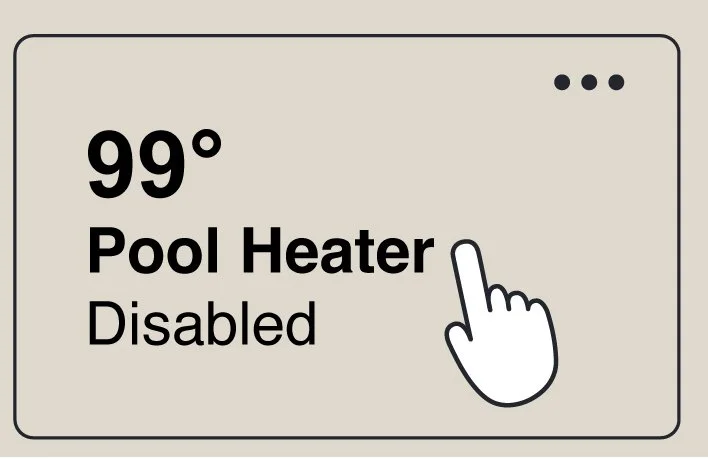
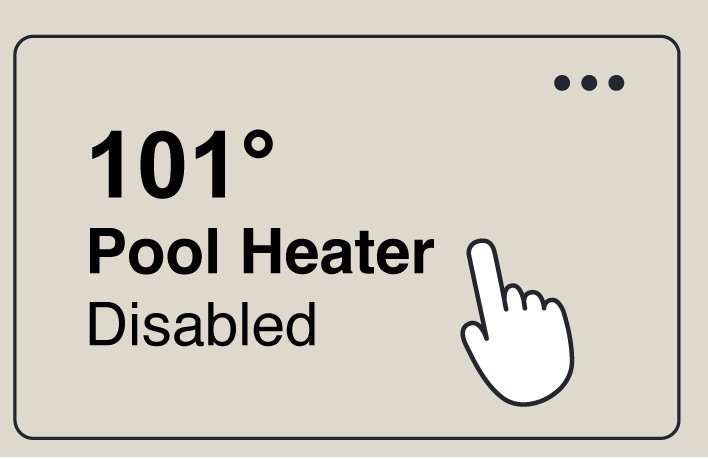
Tap Pool Heater
to turn it on.
4
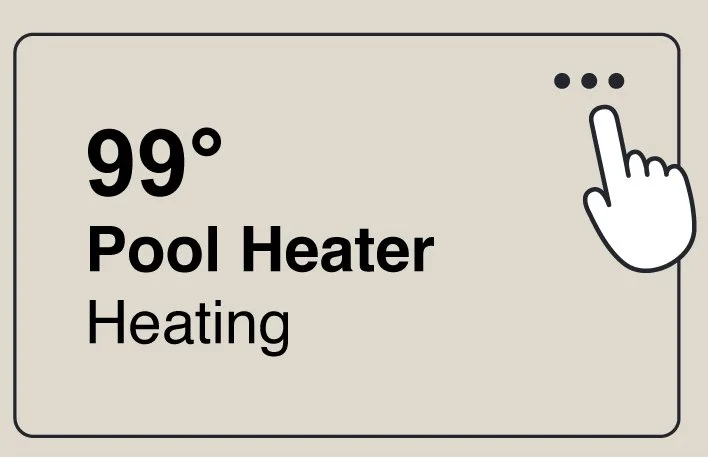
Tap the •••
in the upper-right corner.
5
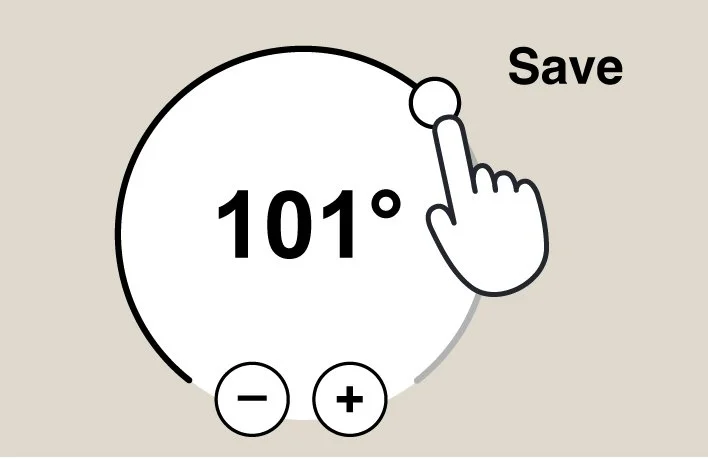
Use the dial to adjust temp.
Then tap save.
6
Finished? Tap Pool
Heater to turn it off.
Good to Know
The filter pump will continue running while the system cools down. This is normal and it will turn off automatically.