

Blinds & TV
Open • Close • Reveal • Hide
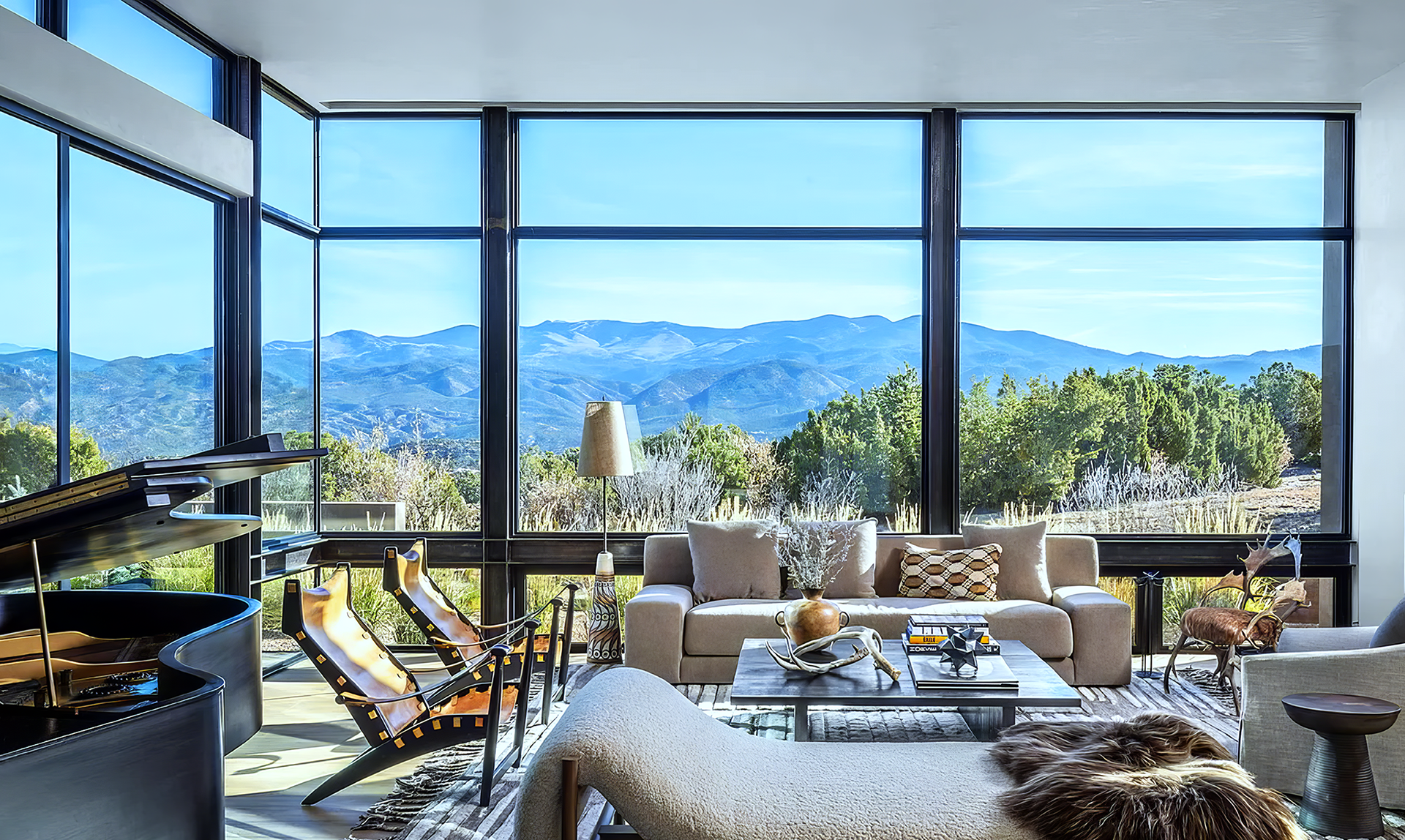

Controls
▲ Raise
▼ Lower
All Blinds
Select ALL to control every blind in the room.
Individual Blinds
Select a number to control an individual blind.
Automated Blinds
Good to Know
A dedicated remote is located in each room. The blinds stop automatically when fully raised or lowered.
Automated TV Lifts
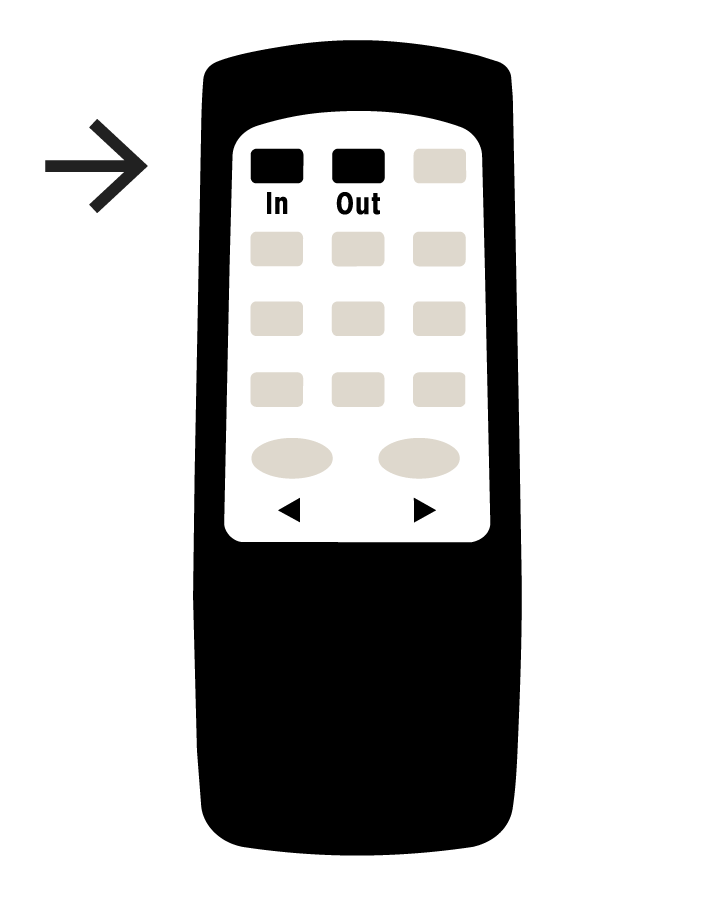
Living Room
The TV is concealed behind the artwork.
Reveal TV
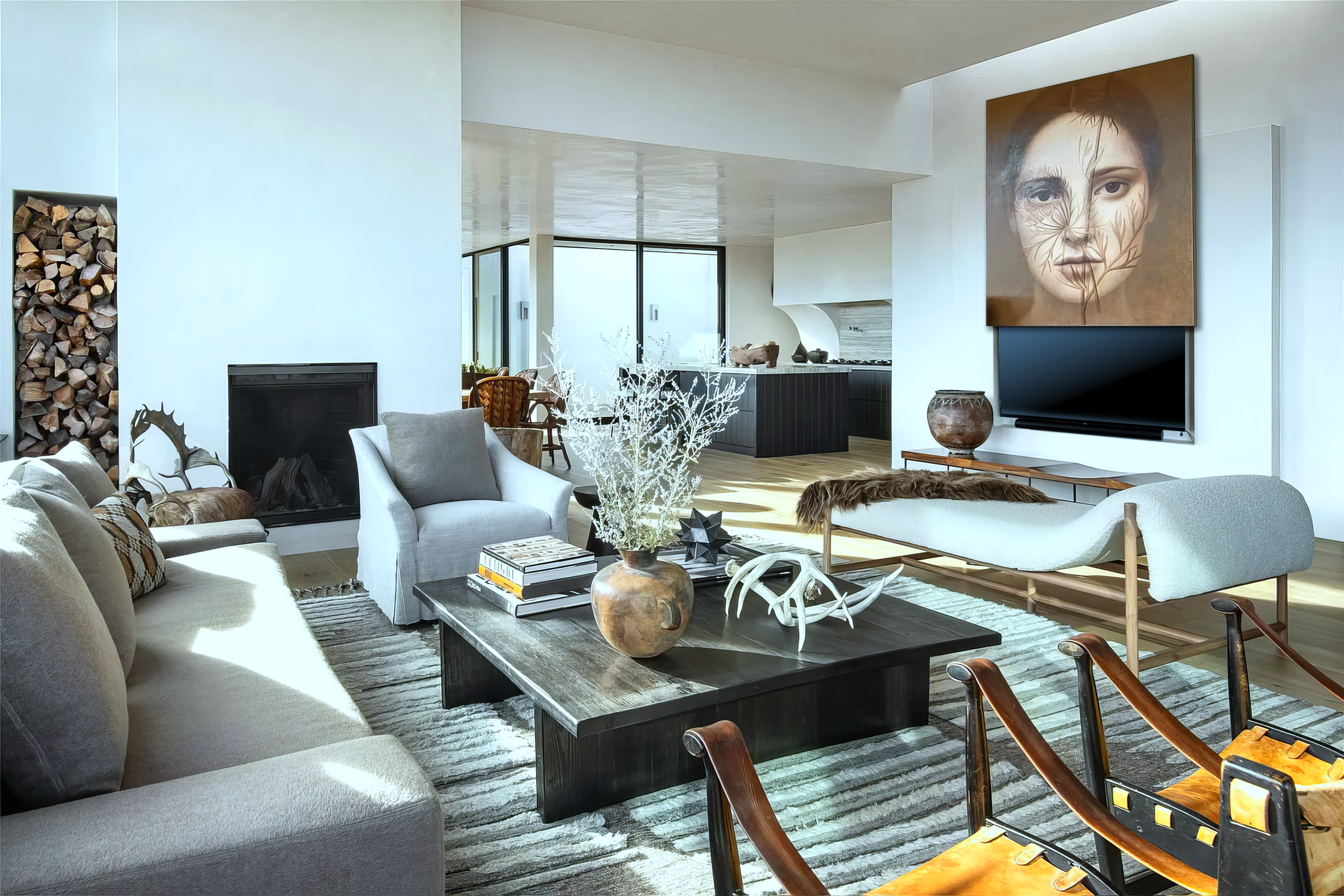
Press OUT.
Hide TV
Press IN.
Main Bedroom
The TV is concealed beneath the bed.
Raise TV
Press OUT.
Lower TV
Press IN.
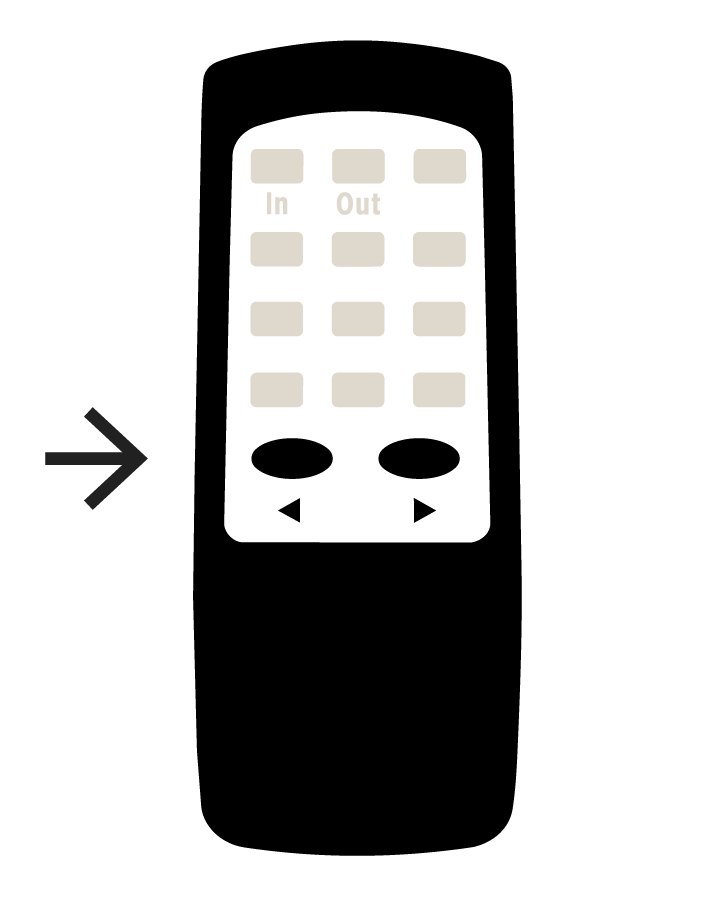
Rotate TV
Press ▶︎ / ▶︎.
Face the TV toward the bed or rotate it toward the seating area.
Finished?
Press IN to return the TV to beneath the bed.